
Google Account Not In Good Standing
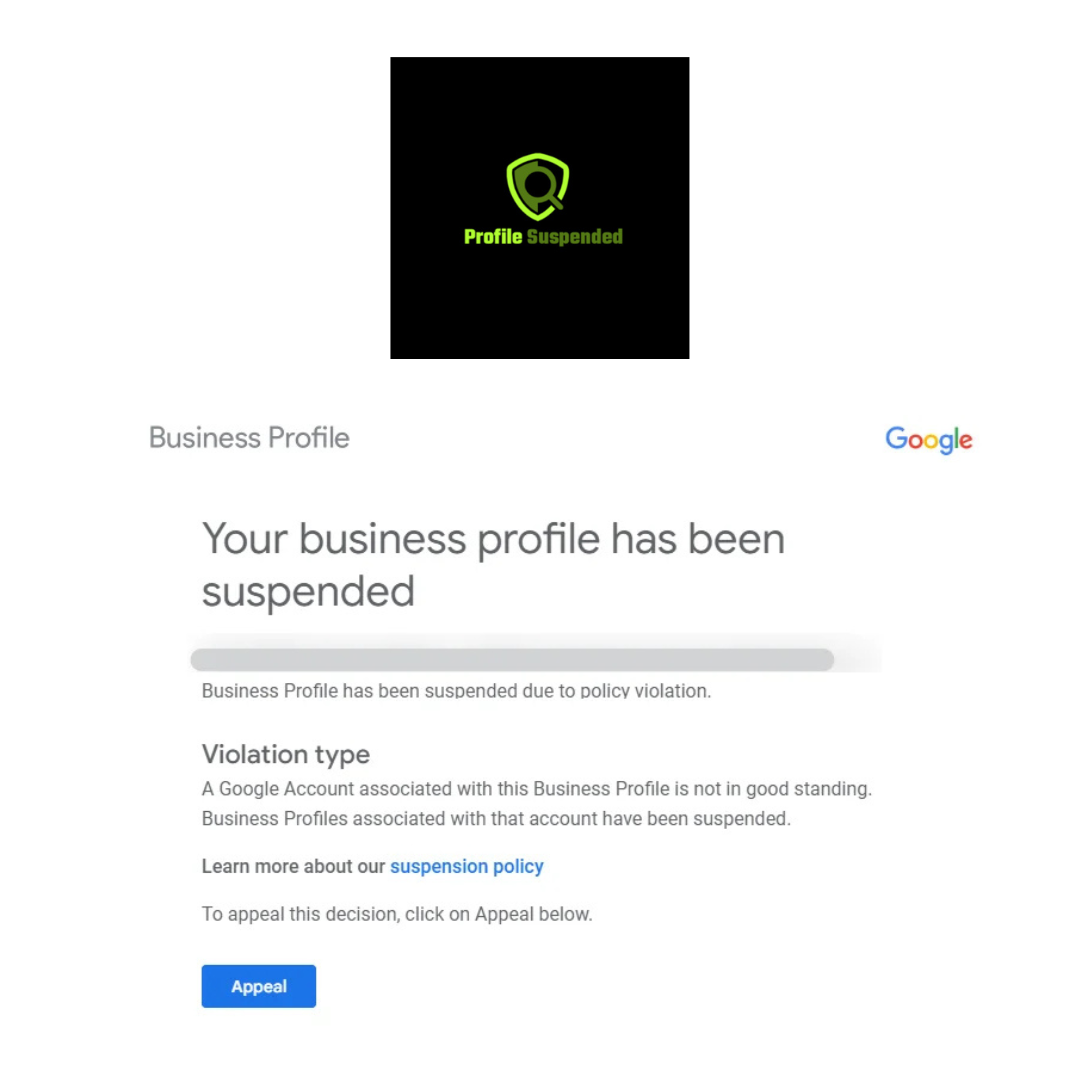
Why Your Google Business Profile Is Not in Good Standing
When a business occurs a GBP suspension for account not in good standing, it’s usually because the individual managing your listing has encountered issues with another Google business profile and as a result of this, their account standing has impacted your business simply by being under the same management. To fix this, you need to review all the account managers and owners of the business profile and if it’s not the primary owner, remove that account.
Steps To Remove Users From Your Google Business Profile
To remove a Google user account from your Google business profile, you would need to have owner access. Here’s how you can remove someone:
- Go to your Google Business Profile Manager
- Select the business you manage.
- On the left side of the menu, click on “Users”.
- A list of all the account users will appear
- Click the “X” next to the user you want to remove.
- Confirm the removal when prompted.
If you are not the primary of the business profile then you will need to transfer ownership before you can remove users or make any changes.
Once you have removed the users and you are the primary user of the business profile you can appeal the suspension by filling out a reinstatement form.
FAQs on Google Account Not In Good Standing
Why is my Google account not in good standing when I didn’t do anything wrong?
Your Google account is not in good standing because you gave someone owner access to manage your business profile. The person you gave access to must have had a policy violation, which has affected all profiles under their management.
What can I do keep my Google account in good standing?
To ensure your Google account remains in good standing, it’s best to manage it yourself if possible or only give access to someone you trust and who understands Google’s guidelines.
My Google business profile is not in good standing and I can’t transfer ownership?
Before you can make any changes to the primary ownership, Google requires you to wait for 7 days. After this waiting period ends, you can proceed to transfer the ownership to a new user.
If you’re looking to learn more about Google Business Profile suspensions, explore our blog.
Amy Newman brings over a decade of experience in business consulting, focusing on helping businesses recover their suspended Google business profiles. With a keen eye for detail and a deep understanding of Google’s policies, she knows how to thoroughly review each case and develop a tailored appeal strategy for reinstatement. Amy’s hands on approach at Profile Suspended has helped countless businesses regain their online visibility, ensuring they can continue to reach their customers.